
Generating Reports
You can generate reports by going to: ADMIN > Business Reports & Ledgers
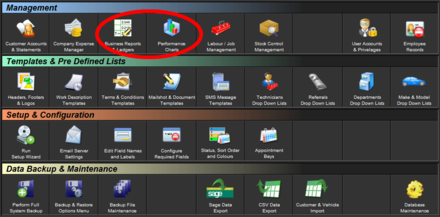
From here, you can print, save as PDF or view on screen: Daily, Monthly, Yearly, Financial Year or custom date ranged information
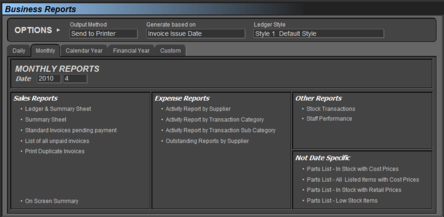
The ledger will group all invoices by either Issued Date or Payment Date depending on what you select, and show grand totals at the bottom
Information displayed includes :
- Date
- Invoice Number
- Payment Method
- VAT Free Amount
- Net
- VAT
- Gross
- Running Total
You can also view or print a summary sheet
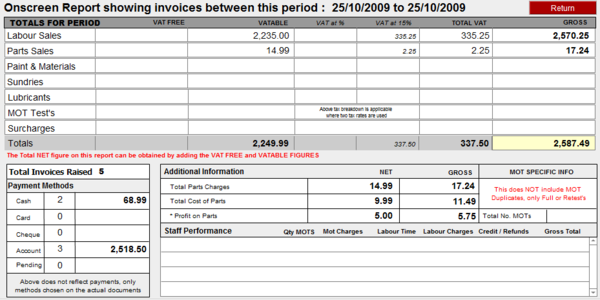
Also available from here is the ability to display staff performance information, as long as you allocate a technician against each labour line on an invoice.
You can also print Stock Transaction records or Inventory reports
Print Back to other articles