

Performing Updates
Note: Our latest version, GA4 is available
as an upgrade for all previous versions.
as an upgrade for all previous versions.
We regularly release downloadable updates for Garage Assistant.
Updating is quite straight forward but essential that you follow these steps.
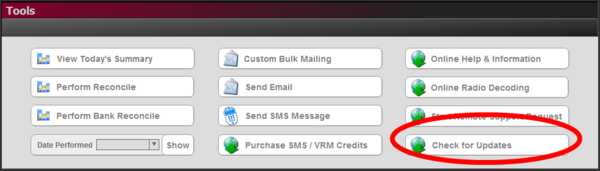
Go to Tools, then click on check for updates, you will be notified if an update is available and what version.
If an Update is available simply clicking the download or perform update button will perform all the necessary steps automatically, including:
- Perform a backup of your system
- Download the updated files
- Close down GA2/3 and install the updated files
- Import your data from the backup created
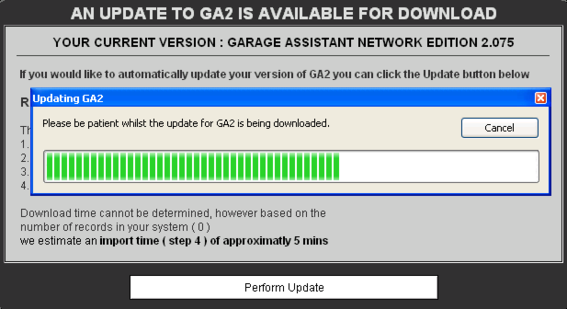
The entire update process is automated, however, depending on the number of records in your system can take some time.
If during the backup or download process something goes wrong, the update will abort and display an appropriate message. If this happens, get in touch with the error message and we will assist you further.
Print Back to other articles