
Status, Sort Order and Colours
All documents and calendar listings can have their own status, with a specific colour. You can define these by going to :
ADMIN > Status, Sort Order and Colours
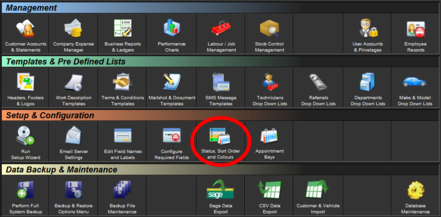
You can also specify a numeric sort order for each status
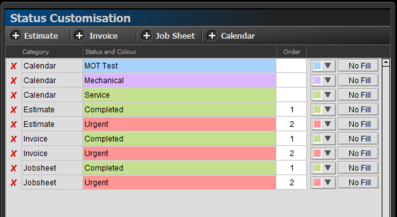
On the calendar for instance, these will be show as :

On the main menu screens, they will be shown as
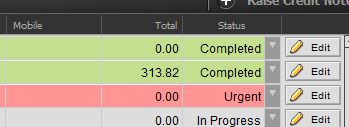
You can change the status against a document, by clicking the drop down arrow next to edit.
Print Back to other articles